
Find the text.
Change the format.
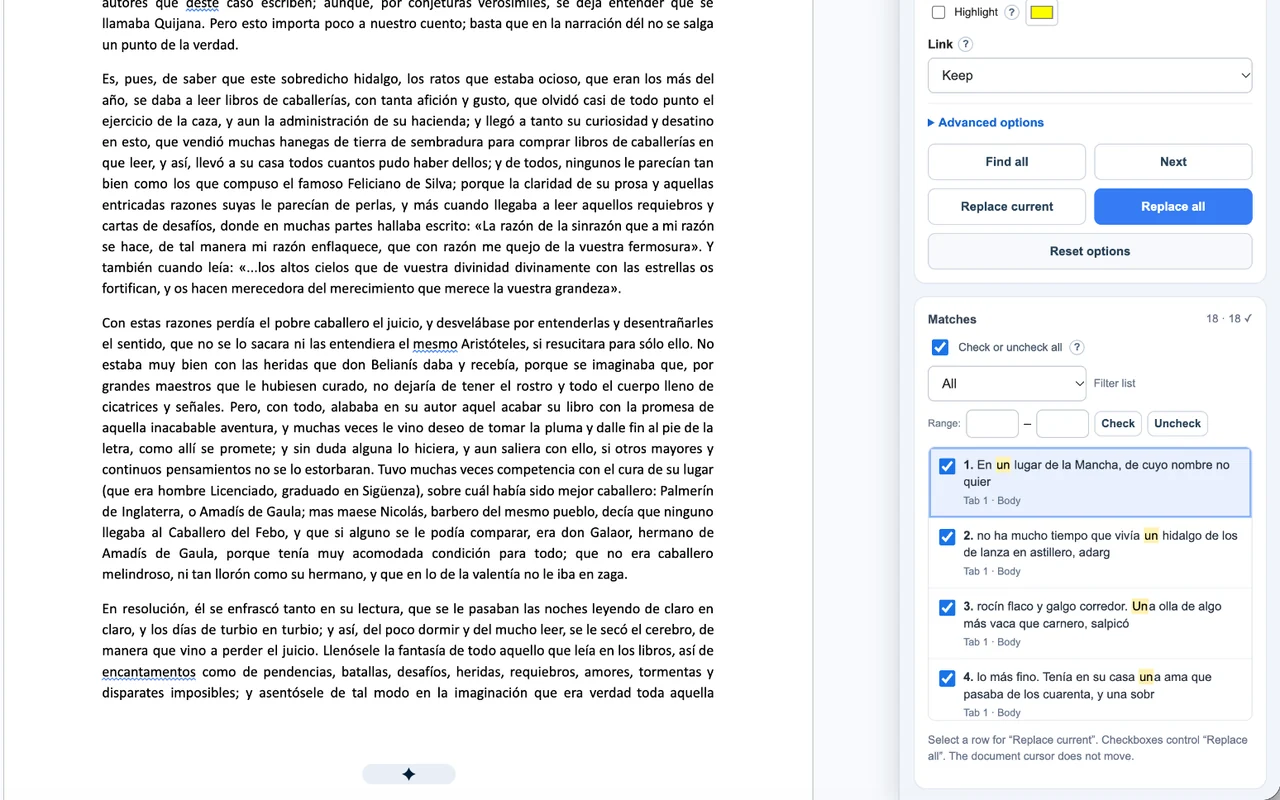
Find and replace words or formatting directly in Google Docs. Select the specific matches you want to change and stay in control.
Preparing Chrome Web Store publication
More than find and replace
Advanced text formatting operations from a convenient sidebar.
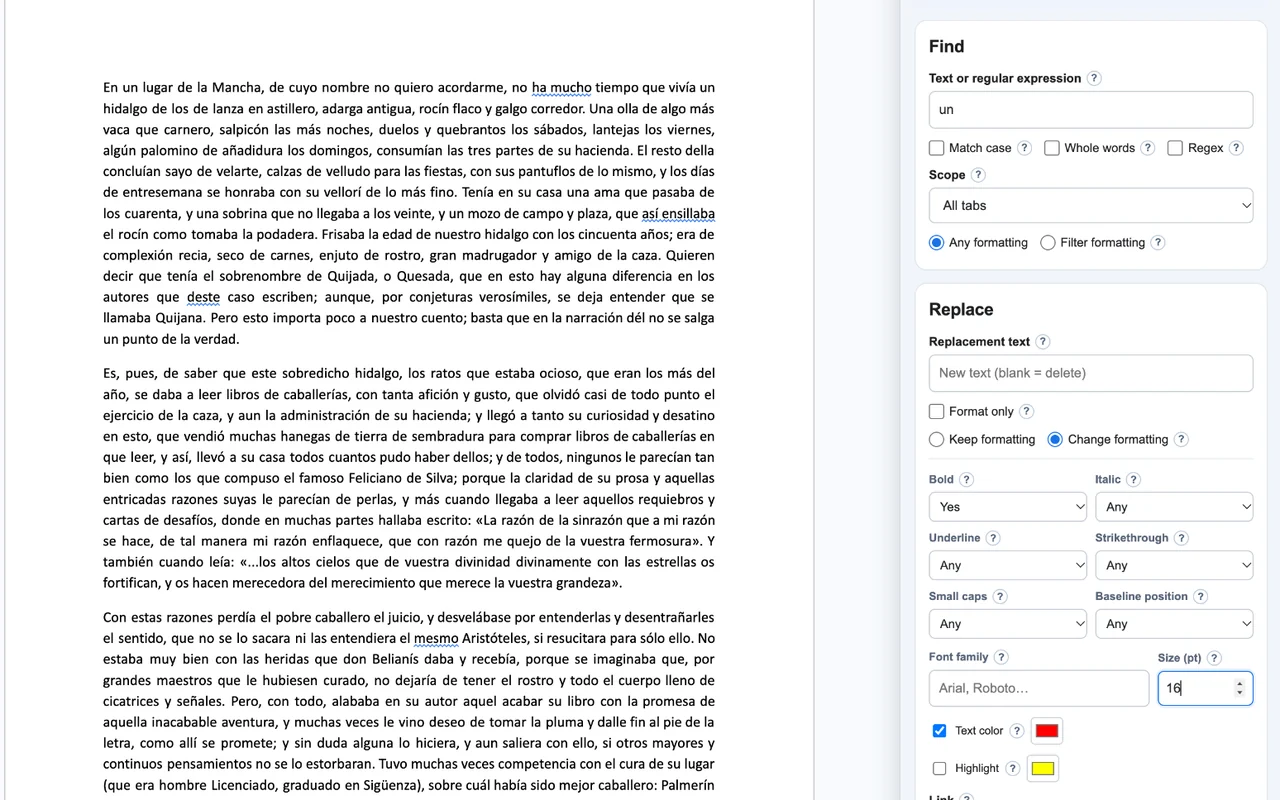
Find by formatting
Find bold, italics, small caps, subscript, superscript, fonts, colors and sizes.
Choose matching results
Check or uncheck results before running a single or batch replacement.
Keep or change styles
Change formatting only, or replace text while preserving its appearance.
Advanced searching
Regular expressions, whole words and case-sensitive searches.
Change control
Preview bulk changes and check the document revision before applying edits.
Your language
English, Spanish, French, German, Italian and Portuguese with contextual help.
Works inside your document
With your authorization, the extension uses the Google Docs API to read and apply the edits you request. It does not send document content to developer-operated servers.
Free, ad-free and without paid features
All features are available to everyone. If you wish, you can support development and maintenance with a completely optional PayPal contribution.
☕ Support this project